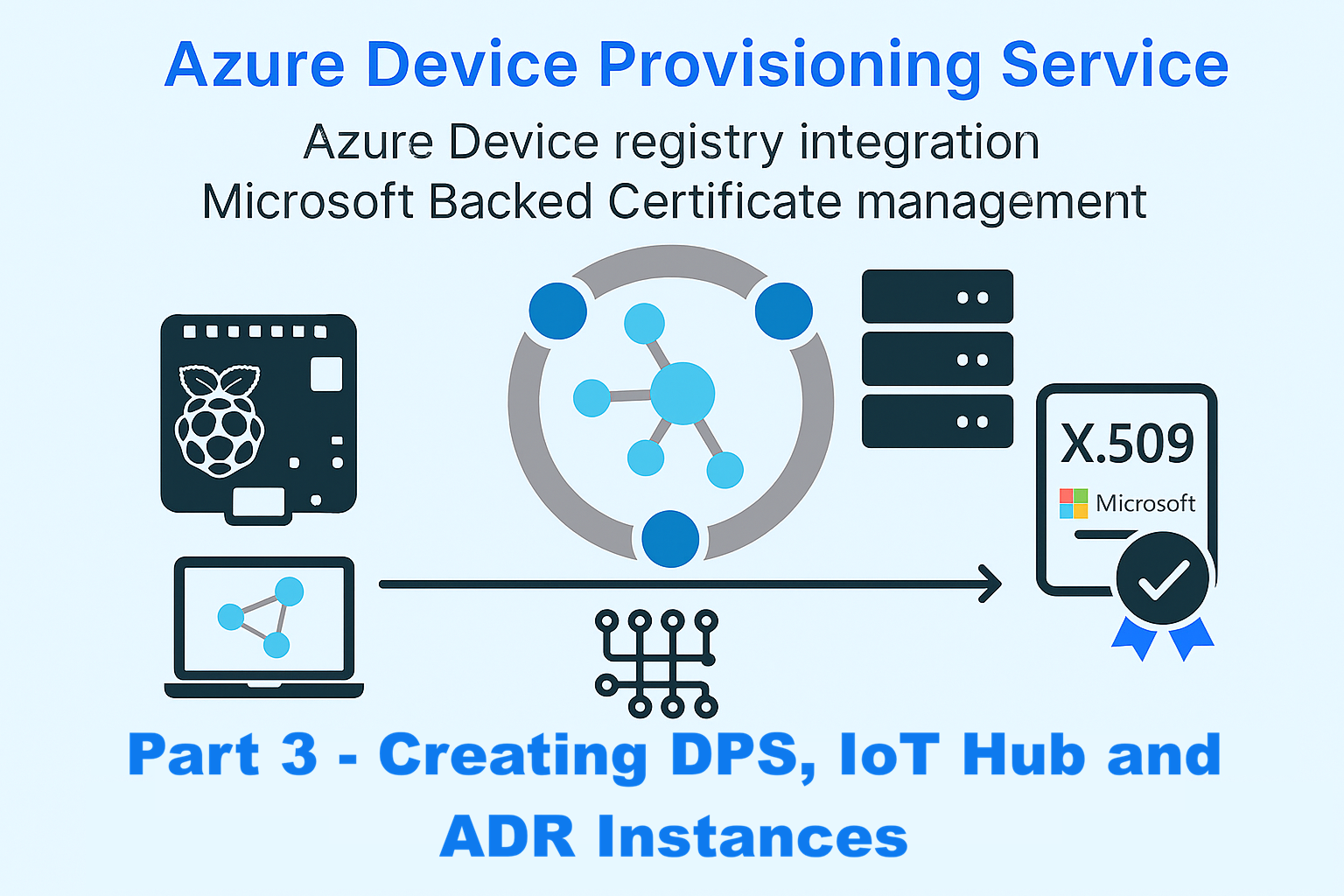
Creating DPS, IoT Hub and ADR Instances
CLI baseline: The examples use Azure IoT CLI preview extension
azure-iot1.0.0b2, released 6 October 2026. Last reviewed against current Microsoft Learn guidance 5 November 2026. Release notes.
Welcome back to this series of posts exploring the latest features of Azure IoT Hub, Device Provisioning Service (DPS), and Azure Device Registry (ADR).
In the previous post we dove deeper into DPS and what’s new.
What’s new in this version?
I’ve refreshed the setup steps and script. They now use system-assigned identities, link DPS before the Hub, and connect the enrollment to the ADR certificate policy. The script creates dedicated resources and an enrollment group; it doesn’t provision a device. See the Introduction for the series-wide changes.
The application now uses Microsoft’s unified Microsoft.Azure.Iot.Device
2.0.0-preview4. The generated config is compatible with the SDK integration and
defaults to X.509 onboarding with CSR issuance enabled.
Set RequestOperationalCertificate: false explicitly for standard non-CSR profiles. The SDK
migration doesn’t change the resources below or require an MQTT5 Hub. Once
configured, --cloud-self-test --config PATH gives us a bounded
provision/connect/telemetry/disconnect check without physical hardware.
Contents
- Introduction
- A DPS Primer
- Creating DPS, IoT Hub and ADR Instances (this post)
- Understanding X.509 and CSR Workflows
- The Device Application
Time to Build!
The refreshed public preview brings Device Registry, IoT Hub, DPS, and certificate management together in a new setup flow. This article updates the previous resource-creation steps to use the current Azure CLI commands and system-assigned identities.
Preview and cost warning: IoT Hub integration with ADR and certificate management is still in public preview and isn’t recommended for production. Standard S1 IoT Hub and DPS resources incur normal Azure charges. Review pricing and clean up dedicated test resources when you’re finished.
Prerequisites
- An Azure subscription and permission to create resources and role assignments at the required scopes.
- Azure CLI 2.73.0 or later, Python 3.10 or later, and PowerShell 7 or later.
- The preview-enabled
azure-iotextension, version 1.0.0b2 or later. - One of the preview-supported regions:
australiaeast,japaneast,centralus, oruksouth.
This series’ script creates a dedicated standard S1 IoT Hub rather than connecting an existing one. Microsoft’s current guide also supports connecting eligible existing Hubs; that connection is permanent and can’t be reversed. DPS is required for the IoT Hub preview scenarios covered by the current guide. Certificate management is optional in the broader preview, but is included in this certificate-focused example.
Run the end-to-end setup script
The repository includes a resumable PowerShell script that creates the resource group, ADR namespace, Microsoft-managed root and intermediate CAs, certificate policy, DPS, S1 IoT Hub, namespace links, and a policy-bound DPS enrollment group. It leaves device records untouched: creating an enrollment group does not enroll or provision a device.
From the repository root, sign in, select your subscription, and preview the
parameters with -WhatIf:
az login
az account set --subscription "<subscription-id>"

.\scripts\iot-hub-device-registry\setup.ps1 `
  -SubscriptionId "<subscription-id>" `
  -ResourceGroupName "my-iot-preview-rg" `
  -Location "uksouth" `
  -NamespaceName "my-iot-adr-namespace-002" `
  -HubName "my-iot-hub-002" `
  -DpsName "my-iot-dps-002" `
  -EnrollmentId "my-enrollment-group-002" `
  -WhatIf
After checking the names, subscription, and region, run the same command
without -WhatIf. The script installs/upgrades the preview-enabled Azure IoT
CLI extension, registers the required resource providers, creates missing
resources, links DPS first and then IoT Hub to the namespace, and waits for
both links. It can resume after a partial run by keeping existing named
resources. It enables Hub shared access policies even when reusing a Hub;
other existing settings aren’t reconciled, so inspect them before proceeding.
Existing non-X.509 configs or enrollments are not overwritten: choose a new
config path and enrollment ID for this X.509 + CSR flow.
We’re enabling shared access policies for this demo so tools such as Azure IoT Explorer can use a Hub connection string. This is separate from how the device authenticates: with the X.509 profile, it uses a certificate for DPS attestation and its Hub connection, not a Hub shared access policy key. That certificate focus is one of the distinctions between this series and the usual shared-key IoT Hub examples. The setup creates a self-signed bootstrap CA for the demo; ADR’s separate managed CA issues the operational certificate from the CSR. Protect the bootstrap private keys and never use this demo CA in production.
Protect Hub policy keys even when using certificates on the device. Microsoft’s
current guidance warns that disabling Hub shared access policies breaks DPS
provisioning, so don’t disable them for this lab. In other scenarios you can
disable them and use Microsoft Entra ID for service access, but IoT Explorer’s
connection-string device list can then fail with
DisableLocalAuth/IotHubUnauthorizedAccess.
The complete parameter reference, costs, and verification instructions are in the setup README. For manual commands and the latest API and CLI requirements, use Microsoft’s ADR connected-services guide and Azure CLI deployment guide. The managed root and intermediate CA workflow is in Microsoft’s CA setup guide; create the issuing CA’s policy and select it in a DPS enrollment using the certificate-policy guide.
What the workflow creates
- A resource group and ADR namespace with a system-assigned identity.
- A Microsoft-managed root CA, intermediate CA, and certificate policy.
- Standard S1 DPS and a new standard S1 IoT Hub, both with system-assigned identities.
- A namespace link to DPS, followed by a namespace link to IoT Hub.
- A DPS enrollment group attached to the ADR certificate policy.
The setup script creates a local bootstrap certificate but does not create a cloud device record or provision a device. The enrollment group is only a template for future provisioning. The operational certificate policy is separate from the onboarding credential a device will use with DPS.
Verify the setup
The script waits for both namespace links and prints the configured links and certificate authorities. In the Azure portal, confirm that the resource group contains the new resources, the namespace shows both connected services, DPS shows the enrollment group, and IoT Hub lists the linked CA certificate.
To confirm that no ADR devices were created, list the devices in the namespace; a fresh environment should return an empty list. Keep the resource group only if you intend to retain the billable S1 services. Before deleting it, verify that it contains only resources you intend to remove.
Next up we explain onboarding credentials, operational certificates, and the CSR workflow in Part 4.